
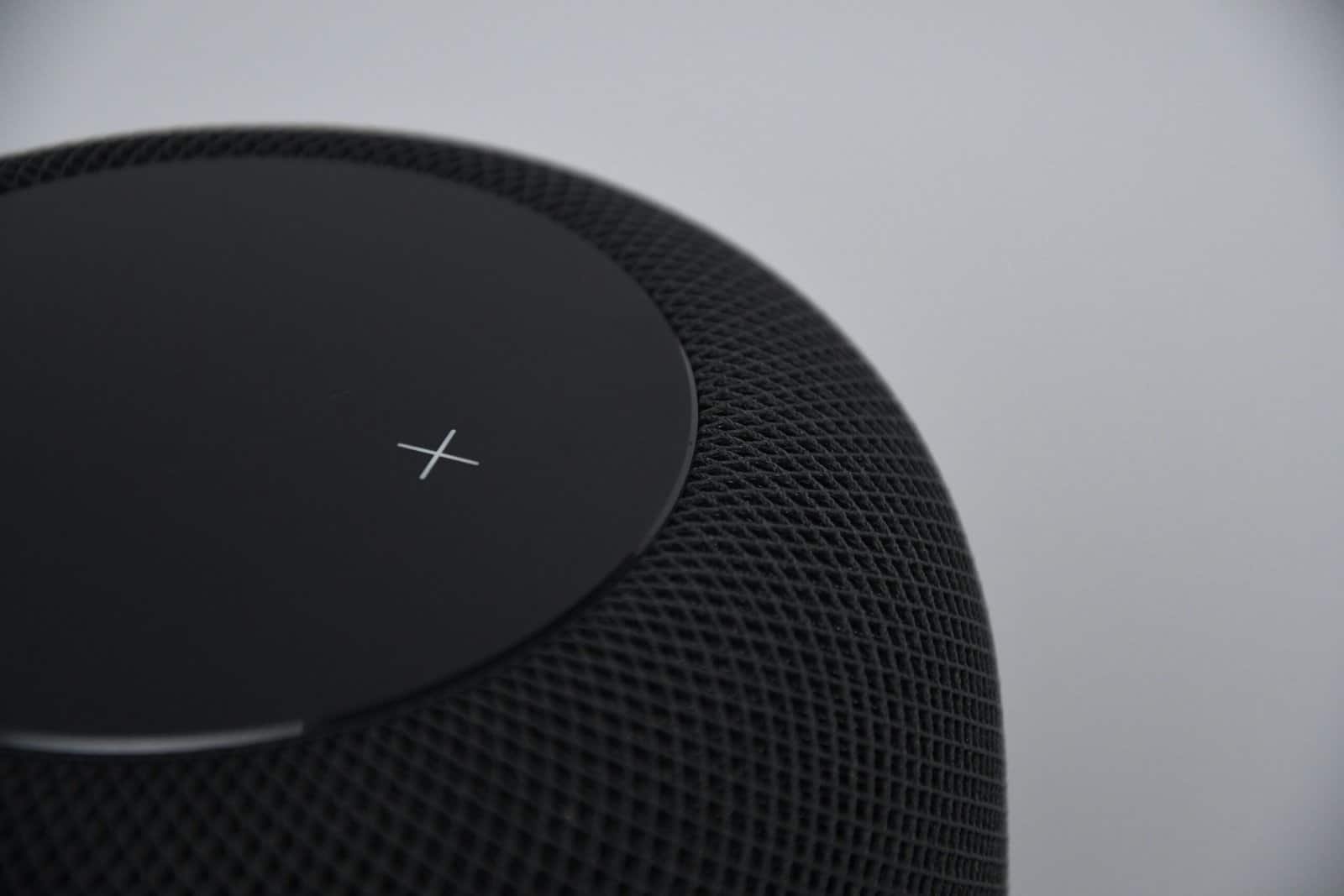
What does a smart speaker actually buy you beyond playing music? A voice that runs the rest of the house. The best smart speakers answer questions, set timers, and control your lights, plugs, and thermostat without a phone, and the right one matches the ecosystem you already use. Pick the wrong assistant and half your devices stop talking to each other. See also our guide to Bluetooth transmitters for a television.
For most homes the Amazon Echo Dot does the job for little money. If you care about sound, lean toward a Google home, or live inside Apple, one of the other picks fits better below.
Quick verdict: Start with the Amazon Echo Dot, since it is cheap, capable, and works with the widest range of smart devices. Step up to the full Amazon Echo for richer sound and a built-in hub. Google homes do best with the Nest Audio, while the Nest Mini covers a spare room for less. Apple households should choose the HomePod mini, and anyone chasing real audio quality wants the Sonos Era 100.
| Your situation | Best pick | Why |
|---|---|---|
| Most homes | Amazon Echo Dot | Cheap, broad device support |
| Better sound, built-in hub | Amazon Echo | Fuller audio, Zigbee hub |
| Google household | Google Nest Audio | Best Assistant sound |
| Apple household | Apple HomePod mini | Siri, HomeKit, AirPlay |
| Audio quality first | Sonos Era 100 | Room-filling, multi-assistant |
| Spare room on a budget | Google Nest Mini | Tiny, cheap, capable |
Disclosure: SmartLifeItems is reader-supported. As an Amazon Associate, we earn from qualifying purchases made through links on this page, at no extra cost to you.
How We Picked the Best Smart Speakers
Ecosystem led the ranking. A smart speaker is only as useful as the devices it controls, so we matched each pick to the assistant most of your gear already speaks. Voice recognition came next, since a speaker that mishears half your commands wears thin fast. Sound quality broke ties between similar models, because these speakers double as the music in your kitchen or bedroom. We also weighed privacy controls and the mute switch, since security agencies advise changing default passwords and keeping firmware current on any connected microphone in your home. If you are still mapping out your devices, our guide on how to set up a smart home and our roundup of the best smart home hubs pair well with any pick here.
Amazon Echo Dot
Start here if you want the most capability for the least money. The Echo Dot puts Alexa in any room, controls the widest catalog of smart devices on the market, and handles timers, questions, and reminders without a hitch. The sound is fine for a small room, and you can pair two for stereo.
Why It Stands Out
Alexa works with more third-party smart devices than any rival assistant, so almost any bulb or plug you buy will pair. The low price lets you put one in every room without much thought.
Worth Knowing
The compact driver fills a bedroom or office, not a living room. For real music, step up to a larger speaker or pair the Dot with a separate one.
Amazon Echo
The full-size Echo keeps the same Alexa brain and adds sound worth listening to. A larger driver gives music more body, and a built-in Zigbee hub lets compatible bulbs and sensors connect straight to the speaker without a separate bridge. It is the natural center of an Alexa home.
Why It Stands Out
The built-in hub trims clutter, since some devices skip the extra bridge and talk to the speaker directly. The fuller sound makes it a genuine kitchen or living-room speaker.
Worth Knowing
It costs more and takes up more space than a Dot. If you only need voice control and timers, the savings on a Dot may matter more than the audio bump.
Google Nest Audio
If you live in Gmail, Google Calendar, and Android, the Nest Audio is the speaker that understands your world. Google Assistant tends to answer general questions well, and the Nest Audio backs it with sound that punches above its size for the price. It fits a Google household the way the Echo fits an Alexa one. Anyone weighing a bar under the television instead should read our guide to choosing a soundbar. If you already have a bar, our note on whether you need a subwoofer covers when adding one helps.
Why It Stands Out
Assistant ties cleanly into your Google account for calendar, reminders, and routines. The audio is among the warmest in this price range.
Worth Knowing
Google’s smart-device catalog is smaller than Alexa’s, so check that your gear supports it. A few Alexa-only devices will not pair.
Apple HomePod mini
Apple households should start and end here. The HomePod mini runs Siri, plugs into HomeKit, and streams over AirPlay from an iPhone or Mac without fuss. It also acts as a home hub for HomeKit accessories, so your Apple-based automations keep running when your phone leaves the house.
Why It Stands Out
It is the cleanest fit for anyone already on iPhone, since AirPlay and HomeKit just work. The sound is surprisingly full for its small size.
Worth Knowing
Siri controls fewer third-party devices than Alexa or Assistant. Outside the Apple world, it loses much of its appeal.
Sonos Era 100
When the music matters more than the gadgetry, the Sonos Era 100 leads this list. It fills a room with sound a small smart speaker cannot match, supports Alexa, and slots into a wider Sonos system if you add speakers later. You still get voice control, just wrapped in a far better speaker.
Why It Stands Out
The audio outclasses every other pick here, with real bass and stereo separation. It grows into a whole-home Sonos setup down the road.
Worth Knowing
It costs several times what a Dot does, so buy it for the sound. Voice features run through Alexa rather than a Sonos assistant.
Google Nest Mini
For a spare bedroom, a bathroom, or a first try at voice control, the Nest Mini keeps things cheap. It brings Google Assistant to a room for very little, mounts flush to a wall, and handles the basics of timers, weather, and smart-device commands. Think of it as the Google answer to the Echo Dot.
Why It Stands Out
The price makes it easy to add Assistant to a room you barely use. The wall-mount keyhole keeps a small space tidy.
Worth Knowing
The small driver is built for voice, not music. For a main room, the Nest Audio is the better Google choice.
Recommended read: A speaker is the voice for the rest of your devices. See our picks for the best smart bulbs, the best smart plugs, and the best smart light strips to control by voice once your speaker is set.
How to Choose a Smart Speaker
The right speaker comes down to your ecosystem, the assistant, sound, and privacy. A few questions narrow the field fast.
Match Your Ecosystem
Pick the assistant your devices and accounts already use. Alexa suits the widest mix of gear, Assistant fits Google and Android, and Siri fits Apple. Our roundup of the best smart thermostats shows how much smoother control feels when everything shares one assistant.
Voice Recognition
A good speaker hears you across a noisy room. Far-field microphones and reliable wake-word detection matter more day to day than a spec sheet, so favor models with a strong track record.
Sound Quality
Decide whether the speaker is for commands or for music. A Dot or Mini covers voice, while an Echo, Nest Audio, or Sonos earns its place when you actually listen.
Privacy Controls
Look for a physical microphone mute switch and clear settings to review or delete recordings. Pair the speaker with secure switches, like those in our smart light switch guide, on a network you keep updated.
Alexa vs Google Assistant
The assistant matters as much as the speaker, and the two leaders pull in different directions.
When Alexa Wins
Alexa controls the broadest catalog of smart devices and offers the most third-party skills. For a mixed-brand home, it is the safest default.
When Assistant Wins
Assistant tends to answer general questions more naturally and ties tightly to Google accounts. A solid network keeps either assistant responsive, which is why our mesh wifi guide is worth a look before you build out a voice home.
Common Smart Speaker Mistakes to Avoid
A few easy missteps turn a smart speaker from useful to frustrating. Sidestep these before you buy.
Buying for the Wrong Assistant
The most common mistake is picking a speaker whose assistant does not match your devices and accounts. Check what your bulbs, plugs, and phone support first, then buy the speaker that speaks the same language.
Putting One Speaker in the Wrong Room
A tiny speaker in a large living room disappoints fast. Match the sound to the space, using a small model for voice in a bedroom and a fuller one where you actually listen to music.
Skipping the Privacy Settings
Many owners never open the privacy menu or find the mute switch. Set up the recording controls and learn the physical mute button on day one, so the microphone works on your terms.
Frequently Asked Questions
What is the best smart speaker?
The Amazon Echo Dot suits most homes. It is inexpensive, controls the widest range of smart devices, and handles voice commands well. If sound matters more, the full Echo or a Sonos Era 100 is the stronger pick.
Do smart speakers work without a smart home?
Yes. On their own they play music, answer questions, set timers, and read the news. The smart-home control becomes useful once you add bulbs, plugs, or a thermostat that the speaker can command.
Which assistant should I choose?
Match the assistant to your devices and accounts. Alexa works with the most third-party gear, Google Assistant fits Android and Google accounts, and Siri suits an Apple household with HomeKit devices.
Are smart speakers always listening?
They listen for a wake word, then send audio to the cloud only after they hear it. Most include a physical microphone mute button, and you can review or delete stored recordings in the app for added privacy.
Can one smart speaker control my whole home?
It can, as long as your devices support its assistant. Mixing brands works best when you pick gear labeled for your assistant, and a hub helps tie older or low-power devices together.
Can I use multiple smart speakers together?
Yes. Speakers on the same assistant play music in sync across rooms, pass messages between units, and share routines. Stick to one assistant across the house for the smoothest multi-room setup.
Do smart speakers need a subscription?
No subscription is required for voice control, timers, and questions. Music services and a few premium features may cost extra, but the core smart-home and assistant functions work for free.
Will a smart speaker work with my existing devices?
It depends on the assistant. Check each device for an Alexa, Google, or Apple HomeKit label before buying, since a speaker only controls gear that supports its assistant.
Related Reading
Explore more: portable bluetooth speakers, smart water leak detectors, smart garage door openers, smart blinds and shades, smart sprinkler systems, smart smoke detectors, and smart doorbells. Also explore: portable induction cooktops.
Recommended Reading
See also our guides to portable bluetooth speakers, and smart sprinkler systems.
