
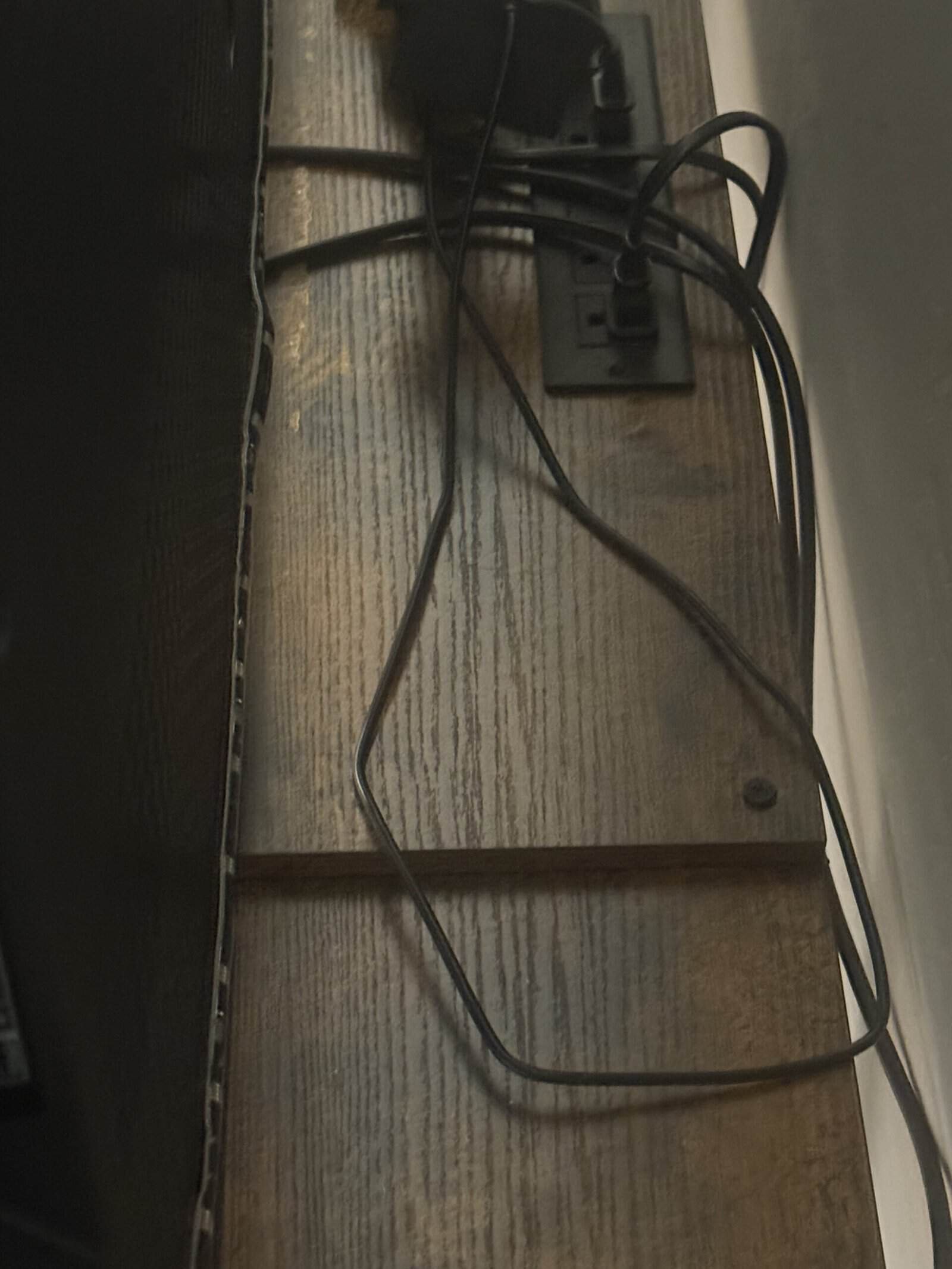
An open-shelf stand gives you no cavity to hide cables in, so the work is bundling them into one vertical run and pulling the slack out rather than concealing anything. Managing cables on an open-shelf TV stand comes down to three moves: shorten the cables to the length you need, gather them into a single sleeve, and anchor that sleeve to a rear leg. Everything else is decoration.
Cable length is the part people skip. Most of the visual mess on an open stand is surplus cable looping between shelves, not the number of cables, and our guide to HDMI cables for soundbars covers picking the length instead of inheriting one.
Quick Answer
Buy cables in the length you actually need, bundle everything into one braided sleeve, and strap that sleeve to a back leg so it runs vertically rather than across the shelves. Mount the power strip to the underside of a shelf so it is off the floor and out of sight. Right-angle adapters remove the loop that sticks out behind the TV.
Key Points
- Surplus length causes more visible mess than cable count does.
- One vertical bundle on a rear leg reads far tidier than several horizontal runs.
- A shelf-mounted power strip removes the floor tangle entirely.
- Right-angle plugs let the TV sit closer and kill the rear loop.
- Leave slack at the device end so you can pull a unit forward to service it.
- Velcro beats zip ties on anything you will ever change.
Work Through It in This Order
Each step removes a category of mess, so doing them in sequence means less rework.
- Unplug and measure. Note the real distance each cable has to cover, then buy that length rather than the one in the box.
- Add right-angle adapters where cables exit the TV. This is what lets the screen sit back against the wall.
- Mount the power strip. Screw or adhesive-mount it under the top shelf or under the lower shelf so nothing sits on the floor.
- Run everything down one rear leg. Choose the leg nearest the outlet and treat it as the spine.
- Sleeve the bundle. A braided wrap or fabric sleeve turns eight cables into one visual object.
- Strap the sleeve with velcro. Two or three ties along the leg, snug rather than tight.
- Leave service slack. Keep enough loose cable at each device to slide it forward without unplugging.
Why Open Shelves Need a Different Approach
A closed media console has a back panel with a cutout, so cables disappear the moment they leave a device. An open stand has sightlines through it from the side and often from behind, which means concealment is not available and tidiness has to come from geometry.
That changes the goal. Instead of hiding cables you are reducing the number of visible lines and making the ones that remain run parallel and vertical. Two clean vertical runs read as intentional, while six horizontal loops read as chaos.
The other consequence is dust. Open shelves collect it on every surface and on the cables themselves, so a sleeved bundle is easier to wipe than a nest of individual cords.
What My Own Setup Looks Like
I should be straight about this one. My TV stand is open-shelf wood with two levels and I have had it about two years, and my cables just lie out in the open on the shelves.
There is no sleeve, no strip mounted underneath, and no bundling. It is not something I ever notice. The soundbar connects over Bluetooth, which removes one cable that would otherwise be sitting there. The rest of them sit out on the shelves.
So treat everything above as what the job takes if visible cables bother you, not as a routine I follow. Plenty of people look at an open stand and see a problem worth an afternoon, and plenty of others have had one for two years without touching it. Both are legitimate, and knowing which one you are saves you buying a box of accessories you will not install.
The Pieces That Do the Most Work
Correct-length cables
This is the highest-impact change and the least discussed. A three foot HDMI between two devices sitting a foot apart eliminates a loop that no amount of clipping will tidy. Measure before you buy.
Right-angle adapters
Cables exiting straight out of the back of a TV force the screen forward and create a visible bend. A right-angle adapter turns that exit downward, which both closes the gap and removes the loop. Our guide to right-angle HDMI adapters covers the orientations available.
Braided sleeving or fabric wrap
Sleeving is what converts a bundle into a single object. Split-weave braid slips over an existing run without unplugging anything, and fabric wraps with hook-and-loop closures are easier to open later. Either beats bare cables.
Velcro ties and adhesive clips
Velcro straps are reusable and forgiving, and zip ties are neither. Adhesive clips hold the bundle against a leg, though they let go over time on unfinished wood, so a small screw-mounted clip lasts longer on a wooden stand.
Mistakes That Make It Worse
Coiling the excess into a loop
A neat coil of surplus cable is still a visible object, and on an open shelf it is one of the most noticeable. Shorten the cable instead, or route the excess vertically down the leg where the eye does not follow it.
Zip-tying everything tight
Tight ties crush cable jackets and guarantee you cut them all off the next time you swap a device. Snug velcro holds just as well and survives changes.
Running cables across a shelf face
A cable crossing the front edge of a shelf draws the eye immediately. Route along the back edge and down, and the same cable disappears.
Forgetting the backlight strip
Adding a backlight after cable management means opening the bundle again, since its controller needs power and a route to the panel. Plan for it up front if you want one, and our guide to installing a TV backlight strip covers where the controller ends up.
When Wall Mounting Solves It Instead
Mounting the TV removes the stand cables from the equation, because the run goes into the wall or down a raceway and the stand only holds devices. That is a bigger project and it does more for the look than any amount of sleeving.
The same logic applies to the soundbar. Wall-mounting it below the screen shortens its cable to nearly nothing, which our guides to TV wall mounts and soundbar wall mount brackets both cover.
If the stand stays, the vertical-bundle approach is the ceiling on how tidy an open shelf gets. Our guide to TV stands and media consoles covers the closed-back alternative for anyone who would rather solve it with furniture.
Frequently Asked Questions
How do you manage cables on an open-shelf TV stand without a back panel?
Bundle everything into one sleeve and run it vertically down a rear leg, then mount the power strip under a shelf. Since there is nothing to hide cables behind, the goal is reducing visible lines rather than concealing them. Buying cables in the right length does more than any accessory.
What is the single biggest improvement?
Replacing over-long cables with ones cut to the distance they actually cover. Most visible mess on an open stand is surplus length looping between shelves, not the cable count. Measure the runs before buying anything else.
Should you use zip ties or velcro?
Velcro, on anything you might ever change. It holds a bundle just as well, does not crush the jackets, and opens without cutting. Save zip ties for permanent runs you will never revisit.
Where should the power strip go?
Mounted to the underside of a shelf, which gets it off the floor and out of sight while keeping the outlets reachable. Adhesive mounts work on finished surfaces and screws hold better on bare wood. Keep it away from where a soundbar radiates heat.
Do right-angle HDMI adapters affect signal quality?
A well-made adapter passes the signal without issue at normal lengths. The benefit is mechanical: the cable exits downward instead of straight back, so the TV sits closer and the loop disappears. Choose the orientation that matches your port layout.
How much slack should you leave at each device?
Enough to pull the unit forward far enough to reach its rear ports, which is usually six to twelve inches. Too little slack means unplugging everything to change one cable. Route that slack down the leg rather than coiling it on the shelf.
Does cable management matter if the stand is against a wall?
Less than on a stand you see from the side, though open shelves still show cables from the front and from seated height. If the cables genuinely do not catch your eye, leaving them is a reasonable choice. Tidy them when they bother you, not on principle.
Can you run cables through the shelves themselves?
Only if the stand has grommets or you are willing to drill, and drilling particleboard shelves weakens them at the hole. On a stand with any existing wobble, leave the panels alone and route around the outside instead.
