
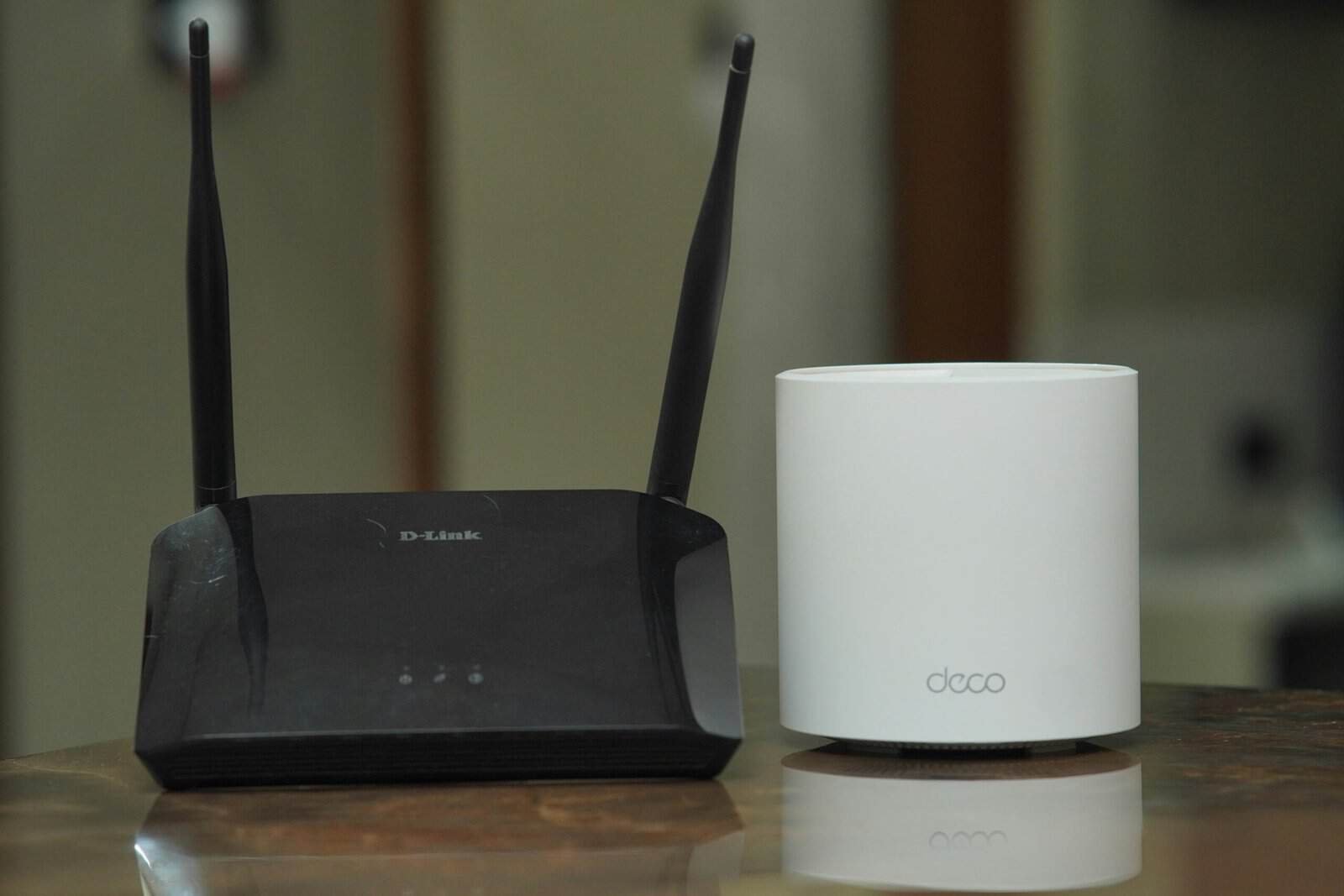
Most home routers handle far more smart devices than a typical house owns, and the limit people actually hit is the router’s ability to track many simultaneous connections rather than any advertised device cap. The honest answer to how many smart devices can one wifi network handle is that the number printed on the box almost never predicts the moment things start feeling slow. A home with sixty sleepy sensors often behaves better than a home with eight busy cameras.
Networks rarely collapse all at once. They degrade in a fairly predictable order, and each symptom points at a different bottleneck. Anyone still mapping out a build should start with our guide to planning a connected home from the ground up before adding another dozen gadgets.
Quick Answer
A typical home router can hold well over a hundred wireless connections at once, so raw device count is seldom the wall. Trouble usually starts when the address pool runs out, when the 2.4 GHz band gets crowded, or when a few heavy streams crowd out everything else on the network.
Key Takeaways
- Advertised device limits describe a theoretical ceiling, not the point where a home network feels sluggish.
- The default address pool on many routers covers roughly a couple hundred addresses, and it can be enlarged in settings.
- Almost all budget smart devices join the 2.4 GHz band only, so that band fills long before 5 GHz does.
- Constant talkers such as cameras load a network differently than plugs and sensors that mostly sleep.
- Symptoms arrive in order: slow app response first, dropouts next, failed setups after that, then stutter and reboots.
| Household or setup stage | Rough device count | Network approach that usually fits | First symptom when overloaded |
|---|---|---|---|
| Starter setup in one or two rooms | Under 10 | Whatever router the provider supplied | App commands take a few seconds to land |
| Apartment covered by one router | 10 to 20 | Single modern dual band router | A plug or bulb blinks offline, then returns |
| Family house across several rooms | 20 to 35 | Single router with an enlarged address pool | A new device refuses to finish setup |
| Large house with thick walls or two floors | 35 to 50 | Mesh system with two or three nodes | Far rooms reconnect over and over |
| Camera heavy home or small studio | 25 to 45 | Mesh plus wired links for the cameras | Video stutters before anything else misbehaves |
| Sensor heavy automation home | 50 to 80 | Hub protocol carrying the low power gear | Automations fire late or in the wrong order |
| Dense apartment building at peak hours | Any count | Careful channel choice and a separate device network | Everything slows together each evening |
| Home office or rental property | 80 and up | Business grade router with an isolated device network | The router needs a reboot to recover |
Counts here are typical planning guidance, not measurements. Device behavior matters more than the total.
Why the advertised device limit misses the point
Router boxes quote a maximum client count, and that figure is mostly marketing shorthand. It describes ideal conditions in a lab. It says nothing about whether those devices can all work at once.
Three quieter limits do the real work. The first is the address pool, which decides how many devices can receive an address at all. The second is router memory, which holds the table of active connections.
The third is airtime, the share of radio time each device gets. A network can have free addresses and still feel slow. That is why two homes with equal device counts behave differently.
How many smart devices can one wifi network handle before problems start
Problems arrive in a reliable sequence, and that sequence names the limit you hit. The first sign is app lag, where a tap on a light hangs for seconds. Nothing is broken yet.
Next come the dropouts. A device shows offline, then reappears a minute later on its own. That usually means expiring address leases or a congested band.
After that, new devices stop joining. Setup runs, the phone finds the gadget, and the final step times out. That failure often points straight at an exhausted address pool.
Video stutter arrives later, because streams need sustained throughput. Finally the router needs a reboot to clear its tables. Weekly reboots mean the network has passed its comfortable ceiling.
Why the 2.4 GHz band fills up first
Nearly every inexpensive smart device joins the 2.4 GHz band and ignores 5 GHz. That keeps hardware cheap and range long, which suits a garage sensor. One crowded band then carries the entire connected home.
The band offers only a handful of channels that do not overlap. Microwaves, cordless phones, and neighboring networks share that same space. Every extra talker shrinks the airtime left for the rest.
The 5 GHz band sits mostly empty as a result. Phones, laptops, and streaming boxes belong there. Moving them frees room for devices with no other option, including connected bulbs that stay joined around the clock.
Bandwidth is not the same as connection count
A smart plug and a security camera each count as one device, yet they load a network very differently. The plug wakes, reports its state, and goes quiet. It may use less data in a day than one photo message.
A camera streaming video holds the radio for long stretches. Motion clips upload in bursts that compete with everything else. Two or three cameras can crowd a band that shrugged off thirty sensors.
Sorting devices by chatter is more useful than counting them. Constant talkers include cameras, doorbells, and anything streaming audio. Occasional talkers include sensors, locks, and plugs that simply switch things on and off.
How many smart devices can one wifi network handle in a crowded building
In an apartment building the ceiling drops, for reasons outside your own gear. Dozens of neighboring networks share the same few channels. Your router waits its turn more often, so every device feels slower.
Scanning for a quieter channel helps, though the quiet rarely lasts. Neighbors change equipment, and automatic channel selection shuffles things around. Rechecking a few times a year is reasonable maintenance.
Fixes that raise the ceiling
Start with the address pool, since widening it is free. Router settings let you extend the range of addresses handed out. Shorter lease times also help, because abandoned devices return addresses sooner.
Next, split the traffic. Give smart devices their own network name on 2.4 GHz and keep phones and laptops on 5 GHz. Separate names stop devices from wandering to a band they cannot use properly.
Coverage problems need different medicine than capacity problems. A weak signal in a far bedroom forces constant retransmits, wasting airtime for everyone. Comparing whole home mesh systems built for wide coverage beats buying a bigger single router.
Cameras deserve special handling. Wire them where a cable reaches, or move them to 5 GHz if supported. That change often clears stutter across the house.
Low power devices can leave wifi altogether. Many sensors and locks speak a hub protocol, so dozens share one radio and skip the address pool. That is the case for adding one of the central hubs that bridge low power gear.
Finally, consider isolation. A guest network keeps cheap gadgets away from computers holding personal files. It also contains the noise when one device floods the network.
What a device count alone cannot predict
No count predicts how a specific house behaves. Building materials matter: plaster with wire mesh, brick, and foil backed insulation all block signal. Two identical device lists can produce opposite results.
Firmware quality is equally unpredictable. Some cheap devices reconnect aggressively, hammering the router whenever signal dips. One bad gadget can degrade a network that a hundred good ones would not.
Usage patterns finish the picture. A house where everyone streams video in the evening has a different ceiling than one where the network mostly idles. Watch the symptom order instead of chasing a magic number.
Recommended Reading
Cameras place the heaviest load on a home network, so choosing among home security cameras that suit your bandwidth matters. Low power gear pulls the other way, which is why door and window sensors that sip power scale so well. For quiet accent lighting, see our roundup of light strips for shelves and ceilings.
How many smart devices can one wifi network handle: FAQ
How many smart devices can one wifi network handle at the same time?
A modern home router can usually hold well over a hundred wireless connections at once. In practice most homes run into crowding on the 2.4 GHz band or an exhausted address pool long before reaching that ceiling. Device behavior decides the real limit, so a house full of sensors copes far better than a house full of cameras.
Do extra smart devices slow down internet speed?
Idle smart devices use almost no bandwidth, so they rarely affect download speed on their own. What they consume is airtime, meaning short slices of radio time for check ins and status reports. Enough of those slices can make everything feel less responsive even while the connection speed reading stays high.
What happens when a router runs out of addresses?
New devices simply fail to join, usually during the last step of setup. Existing devices may also drop off when their lease expires and no address is free. Widening the address pool in router settings fixes this in a few minutes and needs no new hardware.
Should smart devices sit on a separate wifi network?
A separate network for smart devices helps in two ways. It keeps cheap gadgets away from computers holding personal files, and it stops devices from hopping to a band they cannot use. Most routers allow a second network name, which is enough for both benefits without extra equipment.
Is a mesh system better than one router for a big smart home?
Mesh helps most when coverage is the problem rather than raw capacity. Devices at the edge of range retransmit constantly, which wastes airtime for every other device. Adding nodes closer to those weak spots reduces that waste, though it will not fix an exhausted address pool or a crowded band.
Why do so many smart devices only use the 2.4 GHz band?
The 2.4 GHz band travels farther and through walls better, and its radios cost less to build. That combination suits battery powered sensors placed in garages and basements. The trade off is a crowded band with few non overlapping channels, which is why it fills up before 5 GHz does.
Do cameras count more than plugs toward the limit?
They count the same as one connection each, but they load the network very differently. A camera streams for long stretches and uploads clips in bursts, holding the radio while it does. A plug reports its state and goes quiet, so dozens of plugs can be lighter than a couple of cameras.
