
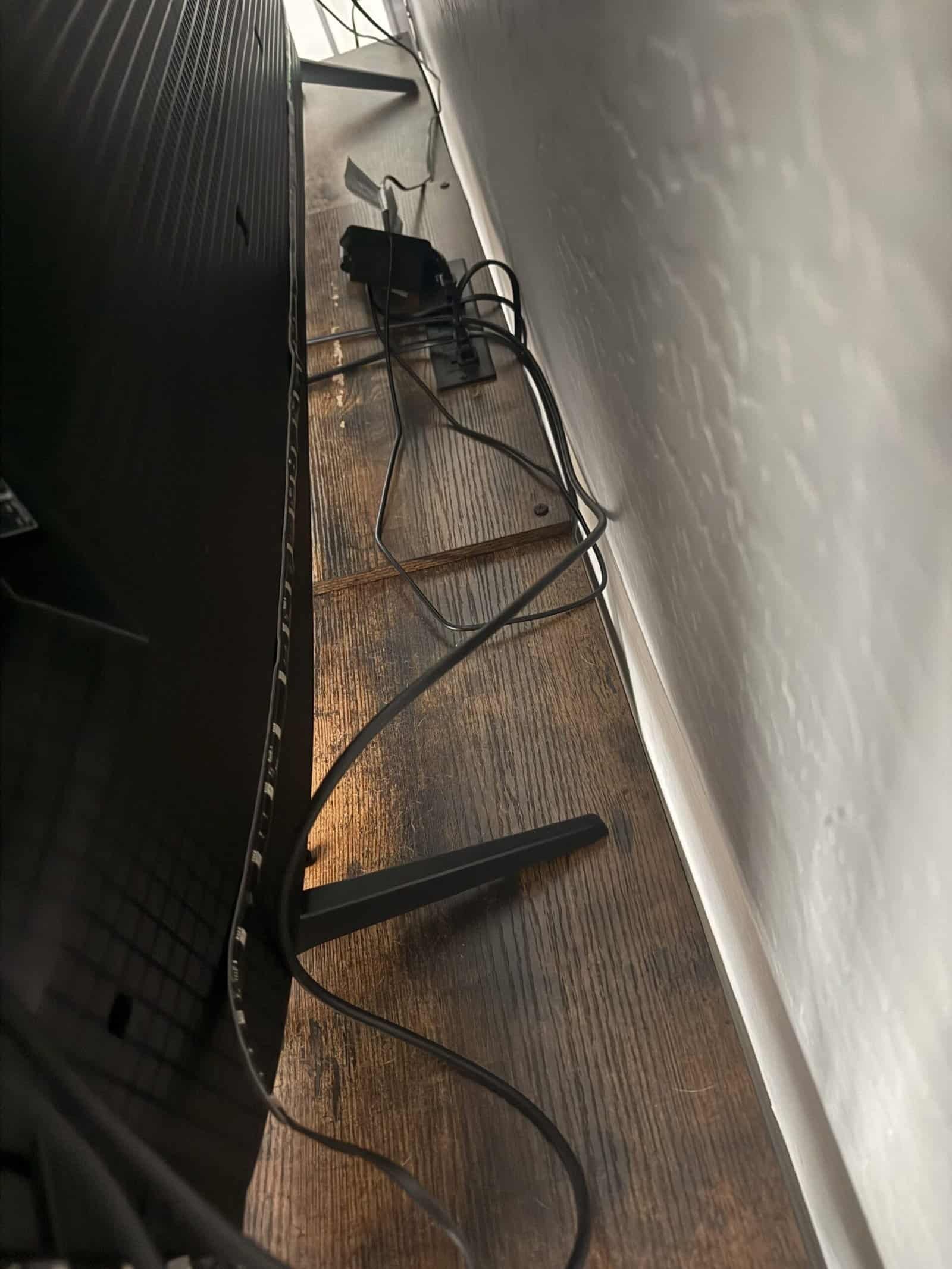
A right-angle adapter turns an HDMI cable through ninety degrees at the port, so the cable runs along a surface instead of straight out from it. The problem it solves is a cable forced into a tight bend, which damages connectors over months rather than immediately.
Not every setup has that problem. My soundbar sits on an open-shelf stand and the cable does not run tight, which is worth saying because these are sold as though everyone needs one. Our note on whether ARC needs a special cable covers the cabling side.
Types at a Glance
| Type | Turns the cable | Best for |
|---|---|---|
| 90 degree down | Toward the floor | Wall-mounted TVs |
| 90 degree up | Toward the ceiling | Ports near a shelf base |
| 90 degree left or right | Sideways | Side-facing ports |
| 270 degree | Back along the device | Very shallow clearance |
| Swivel or ball joint | Any direction | Awkward or unknown angles |
| Short right-angle cable | Built in, no adapter | Cleanest permanent fix |
How We Picked
Selections are grouped by the direction they turn and how much depth they add, since fit is the entire question with these.
Descriptions come from documented specifications rather than hands-on evaluation of every option.
1. A Downward 90 Degree Adapter, Best Overall
Why It Stands Out
Wall-mounted televisions are the main reason these exist, and downward is the direction most of them need. The cable drops behind the set rather than pressing against the wall.
It also reduces how far the television has to sit from the wall, which is the visible benefit.
Worth Knowing
Direction is fixed, so the wrong orientation is useless.
Check whether your ports face backward or sideways before ordering. Our roundup of TV wall mounts covers clearance.
This suits wall mounts. Skip it for a TV on a stand with room behind.
2. A Swivel Adapter, Best for Awkward Angles
Why It Stands Out
A rotating joint means one adapter covers any direction, which removes the guesswork of ordering a fixed orientation you cannot verify in advance.
Useful when several ports are close together and each cable needs to leave differently.
Worth Knowing
Moving parts are a failure point that fixed adapters do not have.
Bulkier than a fixed adapter, which matters in the tight spaces these are for. Our note on putting a soundbar on a shelf below the TV covers cramped installs.
This suits uncertain setups. Skip it where you know the direction needed.
3. A Low-Profile Fixed Adapter, Best for Shallow Gaps
Why It Stands Out
Every adapter adds depth before it turns the cable, and low-profile designs minimize that. In a genuinely tight gap the adapter itself can be the thing that does not fit.
Slim housings are what make the difference between solving the problem and relocating it.
Worth Knowing
Smaller housings are harder to grip when connecting and disconnecting.
Some are too slim to fit alongside an adjacent cable. Our roundup of HDMI cables for soundbars covers the cable itself.
This suits flush wall mounts. Skip it if there is reasonable clearance.
4. A 270 Degree Adapter, Best for Extreme Clearance
Why It Stands Out
Turns the cable back along the body of the device rather than away from it, which is the tightest routing available.
Necessary where a television sits almost flush and a standard right angle still protrudes too far.
Worth Knowing
A sharper turn puts more stress on the cable itself just past the adapter.
Very specific to particular port layouts. Our note on whether any HDMI port works for ARC covers port positions.
This suits flush installations. Skip it unless a 90 degree adapter has already failed to fit.
5. A Right-Angle Cable, Best Permanent Solution
Why It Stands Out
A cable with the angle moulded into the connector removes the adapter entirely, which means one connection instead of two and nothing extra to work loose.
Every additional connection in a chain is a potential fault, and this eliminates one.
Worth Knowing
Buying the wrong orientation means buying a whole cable again rather than a small adapter.
Fewer length options than straight cables. Our roundup of TV stands and media consoles covers routing.
This suits permanent installs. Skip it if the setup is likely to change.
6. A Multi-Pack of Orientations, Best Value
Why It Stands Out
Buying up, down, left, and right together costs little more than one and removes the risk of ordering the wrong direction for a port you cannot see.
Spares are genuinely useful, since these get moved between devices as equipment changes.
Worth Knowing
Multi-packs tend toward budget construction.
You will use one and store three. Our note on whether you need CEC for ARC covers a different setup obstacle.
This suits an install you cannot measure in advance. Skip it if you know the orientation.
Why Bend Radius Matters
HDMI cables carry many fine conductors inside a jacket, and bending forces those on the outside of the curve to stretch.
A gentle curve distributes that across a length of cable. A tight bend concentrates it at one point, immediately beside the connector where the cable is least able to flex.
Failure is gradual and invisible. Conductors fatigue over months, and the symptom appears as intermittent dropouts long after the installation.
That delay is why people rarely connect the two. A cable installed in spring that starts cutting out in autumn looks like a device fault rather than a routing decision. Our roundup of soundbar vs bluetooth speaker covers strain relief.
Where the Problem Shows Up Most
A few installation types account for nearly every case where an adapter is genuinely needed.
Flush wall mounts are the clearest, since the point of a low-profile mount is bringing the screen close to the wall, and a cable sticking straight out defeats that.
Recessed wall boxes are the second, where the outlet sits inside a cavity and a straight plug cannot enter without bending the cable hard at the opening.
Shallow cabinets are the third, particularly older furniture built before televisions had this many connections.
Corner installations create their own version, where a screen angled into a corner leaves very little room on one side.
Outside those, most setups have enough clearance for a cable to curve on its own, which is the situation this article is describing rather than the exception. Our roundup of smart speakers covers mount depth.
When You Do Not Need One
An open-shelf stand with the soundbar on the top surface, which is my arrangement, gives the cable room to curve gently on its own.
Any setup where the device sits several inches from a wall has the same clearance without help.
Ports facing sideways rather than straight backward frequently avoid the problem entirely, since the cable already leaves the device running along the surface rather than out from it.
The honest position is that these solve a genuine problem for a specific minority of installations, and a great many setups have nothing at all to fix, which is not what the product listings tend to suggest. Our note on whether a soundbar blocks the remote sensor covers another placement issue that only affects some layouts.
Other Ways to Solve the Same Problem
An adapter is one answer among several, and it is not always the best one.
Moving the device forward an inch is free and solves it outright where the furniture allows, and people rarely consider it because the position feels fixed.
A longer cable helps counterintuitively, since extra length gives room for a wider, gentler curve rather than a tight turn at the port.
A mount with more depth adjustment costs more than an adapter and fixes the underlying clearance rather than working around it.
Cable management guides that hold a cable in a controlled curve are cheap and work well where the issue is the cable flopping into a bad angle rather than genuinely lacking room.
Choosing between those depends on whether the constraint is space or routing, and those are different problems that look similar from the front. Our note on tv backlights that match screen color covers placement options.
Checking Before You Order
Find which way the ports face
Backward, sideways, or into a recess. This determines which orientation you need and it is not always visible from the front.
Measure the actual gap
An adapter adds depth before it turns, so a very tight space may not accommodate one at all.
Photograph the port area
A phone camera behind a wall-mounted television shows what you cannot see directly.
Check adjacent ports
Adapters are wider than plugs and can block the port next door.
Common Mistakes to Avoid
Ordering without checking orientation
Down and up adapters look similar in listings and are not interchangeable.
Assuming an adapter always fits
In the tightest gaps the adapter is the thing that will not go in.
Stacking two adapters
Each connection is a potential fault, and two in series is asking for intermittent problems.
Buying one you do not need
A cable with room to curve gently is already fine, and adding a connection makes it marginally worse.
Recommended Reading
See our roundup of soundbars with HDMI ARC, our note on choosing a soundbar, our roundup of surge protectors and power strips, and a note on turning off TV speakers.
Right-Angle HDMI Adapter FAQ
What does a right-angle HDMI adapter do?
It turns the cable ninety degrees at the port so it runs along a surface, which prevents the tight bend that damages connectors over time.
Do I need one?
Only if the cable is forced into a tight bend. Mine sits on an open-shelf stand and the cable does not run tight, so there is nothing to fix.
Which orientation should I buy?
It depends which way the ports face and where the cable needs to go. Photograph the port area first, since down and up are not interchangeable.
Does an adapter affect the signal?
Not meaningfully on a short run, and it adds a connection point, and every connection is a potential fault.
Adapter or right-angle cable?
A cable with the angle built in is cleaner for a permanent install. An adapter is more flexible if the setup may change.
Will it fit in a very tight gap?
Not always. The adapter adds depth before it turns, so in the tightest spaces it is the thing that will not fit.
Can I use two together?
Avoid it. Each connection is a potential fault and two in series makes intermittent problems more likely.
Why do tight bends matter?
They concentrate stress on fine conductors beside the connector. Failure is gradual and shows up as dropouts months later.
For the wider picture, see our guide to how to choose the right stand mixer.
