
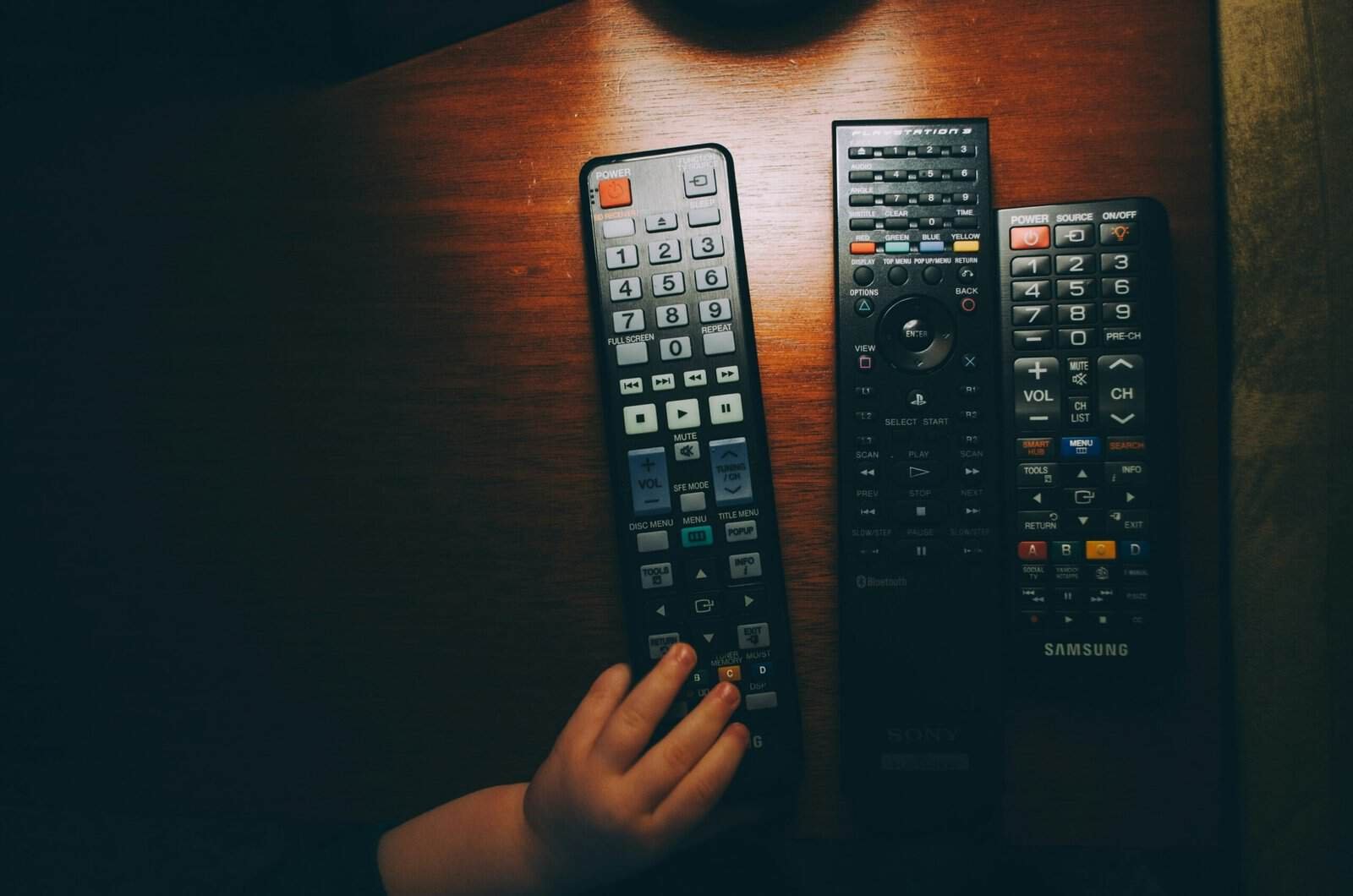
Four remotes on the coffee table is a solved problem, and the best universal remote controls are the learning models that copy the codes straight off the remotes you already own. Copying beats looking up a code, because it works on equipment no code database has ever heard of.
That is the split in this whole category. Either the remote learns from yours, or it guesses from a list.
Everything else, including the smart hubs, is a variation on those two approaches. Our guide to whether you need a universal remote covers the question of whether to bother at all.
Quick Verdict
A learning remote is the safest buy, since it copies your existing remotes and does not depend on a code list. Preprogrammed remotes cost less and work fine for mainstream gear, hub-based models are the answer when equipment is hidden in a cabinet, and big-button backlit remotes solve a different problem entirely. Buy where you can return it, because compatibility is the one thing you cannot check in advance.
Key Takeaways
- Learning remotes copy infrared codes from your own remotes, so brand support is irrelevant.
- Preprogrammed remotes rely on a code database, which is why older and off-brand gear fails.
- Infrared needs line of sight, and radio frequency does not.
- Hub-based remotes convert radio to infrared, which is how they reach a closed cabinet.
- Activity macros turn one button into a sequence, which is the real convenience upgrade.
- Soundbars and streaming boxes are the devices most likely to be left out of a code list.
How We Picked the Best Universal Remote Controls
We compared remote types rather than named models, because this category turns over constantly while the two underlying approaches never change.
Each section covers one type, who it suits and where it falls short. We weighted four things: how reliably it pairs with equipment, whether it needs line of sight, how usable it is in a dark room, and how many devices it handles at once.
We have not published device compatibility lists or code counts. Those change with firmware and differ by region, and a number quoted here would be out of date before you read it.
1. Learning Remotes That Copy Your Existing Ones, Best Overall
Why It Stands Out
You point your old remote at the new one, press a button on each, and the new remote records the signal. Repeat for every function you care about.
That removes the compatibility question completely. If your current remote works, the learning remote will reproduce it, whatever the brand or age of the equipment.
It also means you can keep the handful of functions you actually use and ignore the rest, which makes the layout simpler than any factory remote.
Worth Knowing
You need the original remotes working to teach it. A dead remote with a flat battery is fine, a lost one is not.
Setup also takes real time, usually an evening for a full living room. Write down what you program, because relearning later is tedious.
Best for mixed-age equipment and anything off-brand. Pair it with our rechargeable batteries picks, since a learning remote holds its programming through a battery change on most models.
2. Preprogrammed Code-Based Remotes, Best Budget
Why It Stands Out
These ship with a database of manufacturer codes. You enter a number for your brand, or let the remote cycle through codes until the TV responds.
Setup is minutes rather than an evening. For a mainstream TV and a mainstream player that is all the configuration needed.
They are also the cheapest option by a wide margin, which makes one a sensible spare for a guest room.
Worth Knowing
Code databases skew toward big brands and recent models. Older equipment, regional brands and soundbars are where these fall down.
Partial matches are the frustrating outcome. A code can control power and volume while leaving the inputs or the menu unreachable.
Best for common TVs and simple setups. If your soundbar is the device that keeps getting left out, see our soundbars with HDMI ARC roundup for why its control path differs.
3. Hub-Based Smart Remotes With Radio and Infrared, Best for Hidden Equipment
Why It Stands Out
The handheld unit sends radio signals to a small hub, and the hub emits infrared at the equipment. Radio passes through cabinet doors and walls.
That solves the problem no ordinary remote can. If your player lives behind a closed door, line of sight is gone and infrared is useless.
Most add app control and voice assistant integration as well, so the handheld becomes one of several ways in.
Worth Knowing
You are now depending on a powered hub and often on a network and an app. More to configure and more to fail.
Blaster placement inside the cabinet matters more than the spec sheet suggests, and a badly aimed emitter is the usual cause of missed commands.
Best for equipment hidden in a cabinet or another room. Our smart home hubs and TV stands and media consoles picks cover both halves of that setup.
4. Backlit Big-Button Remotes, Best for Low Light and Accessibility
Why It Stands Out
Large well-spaced buttons, high contrast printing and a backlight that triggers on movement or on the first press.
Most remotes are unusable in the dark, which is exactly when a television is on. A backlight fixes a daily annoyance rather than a technical one.
Fewer, larger buttons also means the common functions are easy to find without looking, which matters far more than feature count.
Worth Knowing
Simplified layouts leave functions out. Check that the buttons you need are physically present before buying.
Backlights also consume batteries noticeably faster, so an always-on glow is a tradeoff rather than a free feature.
Best for low-light rooms, shared households and anyone who finds standard remotes fiddly. See our soundbars for small living rooms picks for the other half of a simple setup.
5. Replacement Remotes Matched to One Brand, Best Exact Fit
Why It Stands Out
These are not universal at all. They are copies built for one manufacturer’s remote, often with an identical button layout.
If you only lost one remote, this is the correct purchase. Every function works, the layout is familiar, and there is nothing to program.
They also cost far less than a true universal remote, and often less than the manufacturer’s own replacement.
Worth Knowing
Model matching is exact, and close is not good enough. Find the model number on the original or in the manual before ordering.
They also control one device, so a multi-device setup still needs something else.
Best when one remote went missing and the rest are fine. Skip it if consolidating several remotes is the goal.
6. Remotes With Activity Macros, Best for Multi-Device Setups
Why It Stands Out
A macro fires a sequence from one press: TV on, soundbar on, input switched, player woken. One button replaces four.
That is where a universal remote stops being a tidying exercise and starts saving real effort every evening.
Better implementations let you edit the sequence and add delays, which is what makes a macro reliable rather than hit and miss.
Worth Knowing
Macros fail when a device uses a single toggle for power rather than discrete on and off commands. The sequence can switch something off instead of on.
Discrete power codes exist on many devices without being on the factory remote, and a learning or hub-based remote can often reach them.
Best for setups with three or more devices in one chain. Our HDMI cables for soundbars guide covers the signal path these macros are switching.
Universal Remote Types at a Glance
| Type | Setup | Needs Line of Sight | Devices | Best Use |
|---|---|---|---|---|
| Learning remote | Slow, copies yours | Yes | Several | Old or off-brand gear |
| Preprogrammed | Minutes | Yes | A few | Mainstream TVs |
| Hub-based | App and hub | No | Many | Hidden equipment |
| Backlit big-button | Varies | Yes | A few | Dark rooms |
| Brand replacement | None | Yes | One | One lost remote |
| Macro capable | Slowest | Depends on type | Many | Three or more devices |
How to Choose a Universal Remote
Count the devices and name them
Write down every box you need to control, including the soundbar and the streaming stick. That list rules out half the category immediately.
Check whether anything is hidden
Equipment behind a door needs radio to infrared conversion. No handheld infrared remote will reach it, whatever the feature list says.
Prefer learning over code lookup for old gear
If anything in the stack is more than a few years old or from a smaller brand, a learning remote avoids the compatibility lottery.
Look at the layout, not the feature count
You will use a handful of buttons thousands of times. Button size, spacing and the backlight matter more than the number of supported devices.
Buy with a return window
Compatibility is the one thing you cannot verify until it is in the room. Treat returnability as part of the specification.
A Universal Remote or Your TV’s App?
When the remote wins
Physical buttons are faster, work without unlocking a phone, and do not need the network. For volume and channel changes a remote is simply better.
When the app wins
Apps handle text entry, deep settings menus and devices without infrared at all. They are also free. Our guide to soundbar app against remote control covers that tradeoff in detail.
Common Universal Remote Mistakes to Avoid
Buying before checking for infrared
Some streaming devices use only radio or Bluetooth and have no infrared receiver. A universal remote cannot control those at all without a bridge.
Assuming a brand name guarantees support
Code lists cover specific models rather than whole brands. A current flagship and a five-year-old budget set from the same maker can behave differently.
Programming everything at once
Set up the TV first and confirm it works before adding devices. Debugging one at a time is far faster than unpicking four.
Ignoring the soundbar
Soundbars are the most commonly omitted device in this category and the one people most want controlled. Verify it specifically.
Throwing out the original remotes
Keep them. You need them to reprogram a learning remote, and they are the fallback when a macro misfires.
Recommended Reading
Best Universal Remote Controls FAQ
What are the best universal remote controls?
Learning remotes are the most reliable choice, because they copy codes directly from the remotes you already own and do not depend on a manufacturer database. Preprogrammed remotes are cheaper and fine for mainstream TVs, and hub-based models are the only type that reaches equipment hidden inside a cabinet.
Will a universal remote work with my TV?
Almost certainly if the TV uses infrared, which nearly all do. The harder question is whether it will control your other devices, especially a soundbar or an older player. A learning remote sidesteps this by copying your existing remotes instead of looking up codes.
What is the difference between a learning and a preprogrammed remote?
A learning remote records the infrared signals from your own remotes, so it works with anything you can still operate. A preprogrammed remote matches your equipment against a built-in code list, which is faster to set up and fails on gear the list does not include.
Can a universal remote control devices inside a closed cabinet?
Only a hub-based one. Infrared needs line of sight, so a handheld remote cannot reach through a door. Hub systems send radio to a receiver inside the cabinet, which then emits infrared at the equipment.
Do universal remotes work with streaming sticks?
It depends on whether the stick has an infrared receiver. Several popular ones use Bluetooth or radio only, which puts them out of reach of a standard universal remote. Check the device before buying, since this is the most common disappointment in the category.
What is a macro or activity button?
It is one button that sends a sequence of commands, such as switching on the TV and soundbar and selecting the right input. It saves the most effort in multi-device setups and is least reliable on devices that use a single power toggle rather than separate on and off codes.
Can one remote replace a soundbar remote?
Often yes, though soundbars are the device most frequently missing from code lists. A learning remote copying your soundbar’s own remote is the dependable route. Check for the specific functions you use, not just volume.
Will I lose the programming when I change batteries?
Most remotes keep their settings in non-volatile memory, so a battery change is safe. Some budget models do not, which is worth checking before you buy if setup took you an evening. Noting your configuration somewhere costs nothing either way.
