
The best smart home devices for renters install without tools, leave no marks, and pack into a box on moving day. That single constraint rules out most of what gets recommended to homeowners, because hardwired switches, doorbell transformers, and in-wall valves all require permission you probably will not get and work you cannot take with you.
What remains is still substantial. A renter can automate lighting, climate, security awareness, and entry without touching a single wire. The trick is buying for reversibility from the start rather than discovering the problem when the lease ends. This guide covers the categories that survive that test, and it assumes you want the devices to keep working in the next place too.
The Short Version
Start with smart plugs and bulbs, because they replace nothing and travel perfectly. Add a plug-in security camera and a portable climate device next. Leave switches, locks, and doorbells alone unless your landlord has approved the change in writing and you have kept the original hardware.
Key Takeaways
- Screw-in bulbs and plug-in modules are the two categories that never require permission
- Adhesive mounts and tension rods replace drilling for almost every sensor and camera
- Keep every original fixture, switch plate, and lock in a labeled box from day one
- Avoid anything requiring a neutral wire, a transformer, or access inside a wall
- Prefer devices that pair to a portable hub rather than to the building’s infrastructure
- Battery and plug-in versions of most devices exist and cost only slightly more
How We Picked
Reversibility was the only criterion that could disqualify a device outright. If removing it leaves a hole, a mark, or a missing original part, it did not make the list regardless of how good it is. That decision removed several categories that dominate general smart home coverage.
Portability came second. A renter moves, often more than once, and a device tied to a specific window size or door thickness may not fit the next place. Devices with adjustable mounting or no mounting at all ranked higher.
Cost per room was the third filter, because renters generally cover fewer rooms and stay for shorter periods. A device that pays back over ten years is a poor fit for a twelve month lease. Where a cheaper category solves the same problem, it won, and the broader sequencing logic in the setup order guide still applies.
1. Smart Plugs
Why It Stands Out
Nothing else delivers as much automation for as little commitment. A smart plug sits between the outlet and any lamp, fan, heater, or coffee maker, and it turns that device into something schedulable. It installs in two seconds, leaves no trace, and works identically in every apartment you ever live in.
Worth Knowing
Plugs control power, not function. A device that needs a button pressed after power returns will not work on a schedule, which rules out many modern appliances with soft power switches. Test the device by unplugging and replugging it before buying a plug for it.
Right for lamps, fans, space heaters, and holiday lighting. Skip it for anything that does not resume automatically after a power cut.
2. Smart Bulbs
Why It Stands Out
Smart bulbs are the renter’s answer to smart switches. They screw into the fixture that is already there, they carry schedules and dimming and color temperature, and they unscrew on moving day. For a bedroom that needs bright mornings and warm evenings, this is the whole solution.
Worth Knowing
The wall switch has to stay on for the bulb to receive commands, which is a genuine household friction point when someone flips it out of habit. Small switch guards solve this cheaply and remove without damage. Bulbs also cost meaningfully more than a switch when a room has six fixtures.
Right for lamps and low-count ceiling fixtures. Skip it in rooms with many bulbs on one switch, where the math turns against you.
3. The Plug-In Indoor Camera
Why It Stands Out
Indoor cameras that sit on a shelf and run off a USB adapter give renters real security awareness without a single screw. Placement is flexible, they move between rooms freely, and packing one takes a moment.
Worth Knowing
Storage is the recurring cost and the privacy question. Models with local card storage avoid a subscription and keep footage in your apartment. Cloud models are more convenient and put your living room on someone else’s server. Decide which tradeoff you want before buying, not after.
Right for entry areas, package drop zones, and pet monitoring. Skip it in bedrooms, where the privacy cost outweighs the benefit for most people.
4. Adhesive Contact Sensors
Why It Stands Out
Contact sensors mount with foam adhesive on a door or window frame, report openings to your phone, and peel off cleanly with gentle heat. They deliver the core function of a security system, knowing when something opened, with none of the installation a system requires.
Worth Knowing
Adhesive on rental paint is the one risk. Warming the pad before removal and pulling slowly along the surface rather than straight out substantially reduces the chance of lifting paint. Test on an inconspicuous spot first if the paint looks old or thin.
Right for apartment entry doors, sliding patio doors, and ground floor windows. Skip it on visibly aged or flaking paint.
5. The Portable Smart Climate Device
Why It Stands Out
Renters rarely control the thermostat, and in many buildings it serves the whole unit or the whole floor. A plug-in smart heater, a smart window unit, or a fan on a smart plug gives you room-level control the building does not offer, and it comes with you.
Worth Knowing
Space heaters draw heavily and should never share a circuit with other significant loads or run through a lightweight extension cord. Check the outlet and the breaker before running one on a schedule in an unattended room, and pair it with a plug rated for the load rather than a basic one.
Right for cold bedrooms and buildings with uneven heat. Skip it if your lease prohibits supplemental heating, which some do.
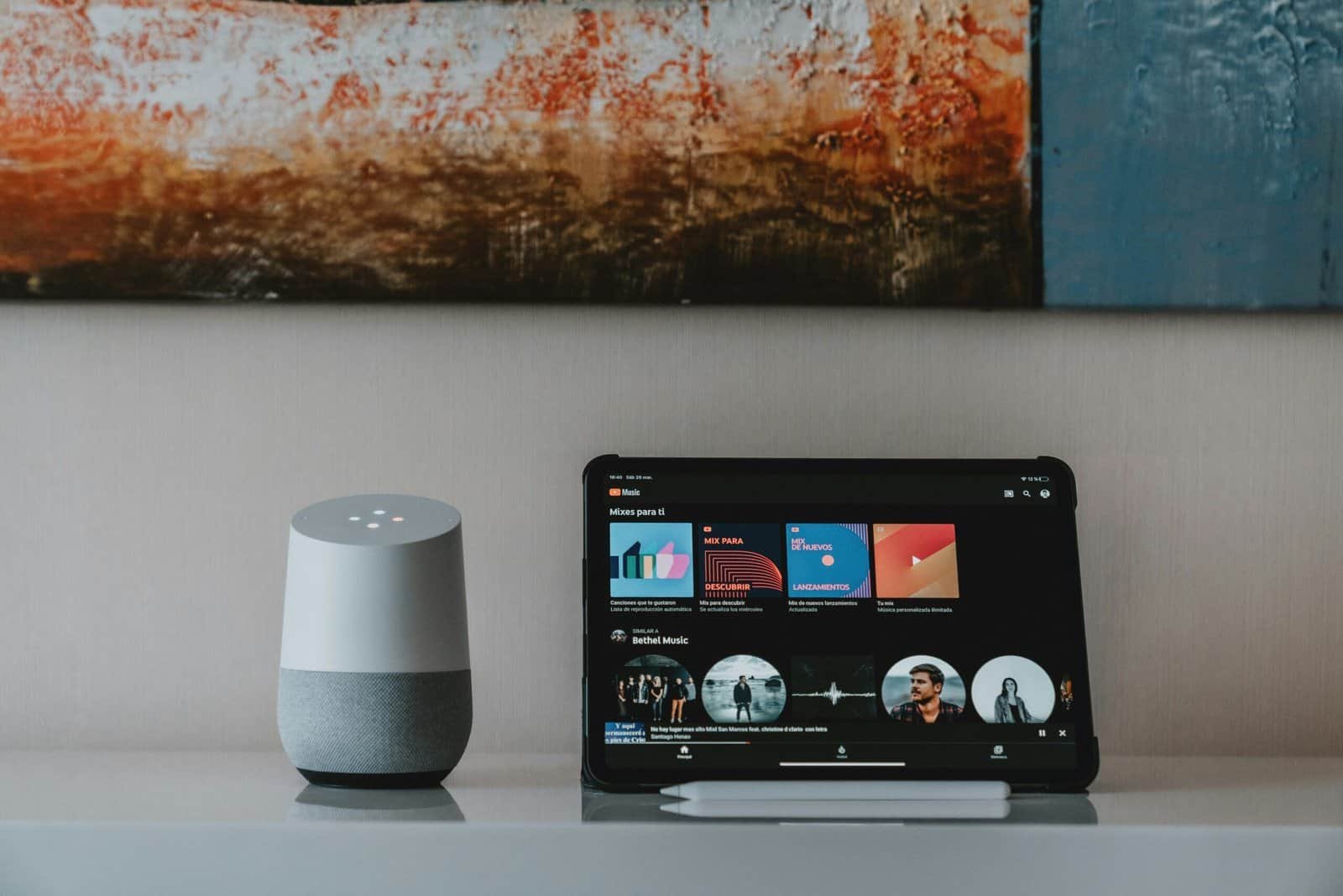
6. The Portable Hub or Smart Speaker
Why It Stands Out
A hub or speaker ties the rest together, runs routines locally, and is nothing but a device on a shelf. It requires no installation of any kind, and it makes the difference between six devices with six apps and one system that responds to a single phrase.
Worth Knowing
Ecosystem choice matters more here than model choice, because it determines what you can add later. Picking the ecosystem your phone already favors saves considerable friction. A hub with local processing keeps routines running when the building’s internet drops, which in shared buildings happens more than it should.
Right for anyone running more than three or four smart devices. Skip it if you own exactly two plugs and no plans.
Renter-Friendly Smart Devices at a Glance
| Device | Install method | Leaves a mark | Moves with you |
|---|---|---|---|
| Smart plug | Plug in | No | Yes |
| Smart bulb | Screw in | No | Yes |
| Plug-in camera | Shelf or adhesive | No | Yes |
| Contact sensor | Foam adhesive | Low risk | Yes, new pads |
| Portable climate | Plug in or window | No | Yes, if window fits |
| Hub or speaker | Shelf | No | Yes |
What to Look For as a Renter
Does it require anything behind a wall plate?
This is the fastest disqualifier. Smart switches, dimmers, and hardwired doorbells all mean removing existing hardware and working with building wiring. Even where a landlord permits it, you are storing original parts for a year and reinstalling them later. Bulbs and plugs deliver most of the same outcome with none of that.
Will it fit the next place?
Window units, door-mounted hardware, and anything sized to a specific opening may not transfer. Devices with no mounting requirement always transfer, which is why plugs and bulbs anchor a renter’s setup rather than decorate it.
How is it powered?
Plug-in and battery devices are renter-safe by definition. Anything needing a neutral wire, a low voltage transformer, or a hardwired connection is not. Battery devices add maintenance, so favor ones that report low battery to the app. A dense apartment setup runs into network capacity questions sooner than a house does.
Does the ecosystem lock you in?
A device that works only with one manufacturer’s hub becomes dead weight if you switch later. Cross-platform compatibility matters more for renters than homeowners, because your situation changes more often.
Smart Bulbs vs Smart Switches for Renters
Why bulbs usually win
No wiring, no permission, no stored original hardware, and full portability. For a lamp or a two-bulb fixture, a bulb costs less than a switch and does more, since it carries color and dimming that most switches do not.
The case where switches still win
A ceiling fixture holding six bulbs makes switches cheaper and removes the flipped-switch problem entirely. If you are staying several years, have written permission, and keep the original switch, it can be the better call. For a one year lease it rarely is.
What Trips Renters Up
Throwing away the original hardware
The most expensive mistake in this whole category costs nothing to avoid. Label a box on day one, put every original bulb, plate, and fixture in it, and store it somewhere you will not forget. Replacing a discarded builder-grade fixture at move-out costs more than the smart device did.
Assuming adhesive is always safe
Fresh paint, old paint, and textured walls all behave differently. Heat the pad and pull slowly along the surface. On anything questionable, use a removable poster strip designed for painted walls instead.
Automating around a switch people flip
Smart bulbs need constant power, and roommates and guests flip switches without thinking. Address it with a small guard or a battery wall remote placed over the switch rather than repeated reminders.
Buying for the apartment instead of the pattern
Devices sized to this specific unit may not fit the next one. Buying for how you live rather than for this floor plan means the setup survives the move, which is the whole point of a renter-focused build.
Recommended Reading
- a closer look at plug options and load ratings
- bulb choices for color, warmth, and brightness
- camera comparison including local storage models
- hub ecosystems and what each one commits you to
- kitchen gear suited to limited apartment storage
- light strips that mount and remove without hardware
- robot vacuums sized for smaller floor plans
- speakers that double as a starter hub
Frequently Asked Questions
Can I install a smart lock in a rental?
Only with your landlord’s written permission, and many leases prohibit changing locks outright. Where it is allowed, keyed retrofit models that replace only the interior thumbturn are the least invasive option, and you must keep the original hardware for reinstallation.
Do smart bulbs work if the wall switch is off?
No. The bulb needs constant power to receive commands, so a flipped switch takes it offline entirely. A switch guard or a battery-powered wall remote mounted beside the switch solves this without any wiring.
Will removing adhesive sensors damage the paint?
Usually not, if you warm the adhesive with a hair dryer and pull slowly along the wall rather than straight outward. Risk rises on old, thin, or poorly applied paint, so test somewhere hidden first.
What if my apartment has no smart-friendly outlets?
Smart plugs work in any standard outlet, including older two-prong ones with an adapter, though grounded outlets are safer for higher loads. No special wiring is needed anywhere in this guide.
Is a hub necessary for a renter?
Not initially. Wi-Fi plugs and bulbs work directly with a phone app. A hub becomes worthwhile past roughly four or five devices, when managing separate apps gets tedious and you want routines that combine them.
What happens to my devices when I move?
Plugs, bulbs, cameras, and hubs all move without issue and simply rejoin the new network. Contact sensors move but need fresh adhesive pads, which cost very little. Window-mounted devices are the only category that may not fit the next place.
The adhesive sensor category is worth reading on its own, since fit and removal vary. Contact sensor types compared goes into it further.
